All printables
Dot-to-dot generator
Make a free printable dot-to-dot worksheet from 8 original pictures. Choose numbers, uppercase A–Z, or skip counting, then download a two-page PDF in A4 or US Letter.
Preview
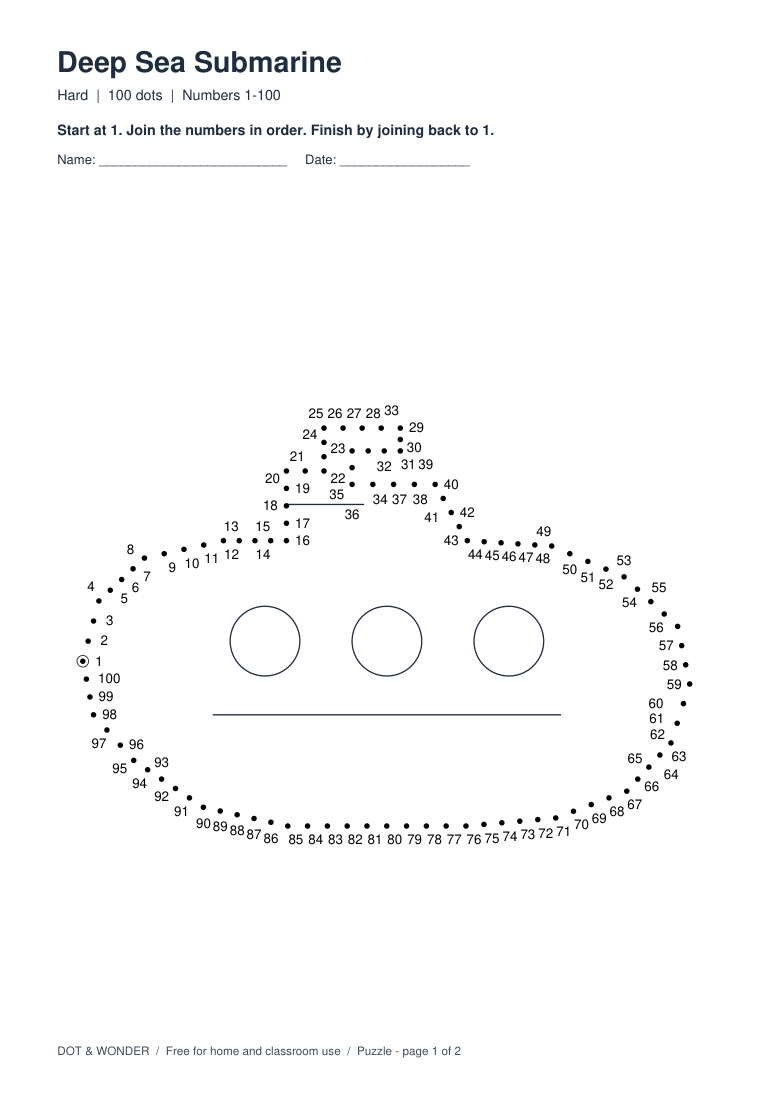
How to make and print a dot-to-dot worksheet
- Pick a picture. A paper plane is a good starting point for a short worksheet. Available dot counts depend on the picture.
- Choose what to practice. Pick numbers in order, uppercase A–Z, or counting by 2s, 5s or 10s. Alphabet worksheets always have 26 dots. With skip counting, the dot count is the number of steps, so 20 dots by fives ends at 100.
- Set your paper and preview both pages. Select US Letter (8.5 × 11 in) or A4 (210 × 297 mm). Switch between Worksheet and Answer key to check the result.
- Download and print. Open the PDF and select the matching paper size, portrait orientation and Actual Size (100%). Print page 1 for the activity and keep page 2 for checking.
Try these worksheet settings
- Paper Plane · Count from 1 to 10
A short route for learners who are starting to follow number order.
- Paper Plane · Connect A to Z
Follow 26 uppercase letters from the circled A to Z.
- Harbor Lighthouse · Count by fives
Use 20 dots to practice the sequence from 5 to 100.
Common questions
- How many dots can I choose?
- For numbers or skip counting, choose from 10 to 100 dots, depending on the picture. For a longer print challenge, browse the 150–250-dot worksheets in the Hard collection.
- Does the generator need an upload or an account?
- Choose a built-in illustration. No upload or account is needed. The generator creates the preview and PDF on your device.
- How do I finish the outline?
- Start at the circled label, follow the sequence, then join the last dot back to the first. The answer key shows the finished line.